

Welcome to Open AdBlocker! Let’s Get You Started
You’ve successfully installed Open Adblocker on your browser! Here’s how to start blocking ads and pop-ups right away
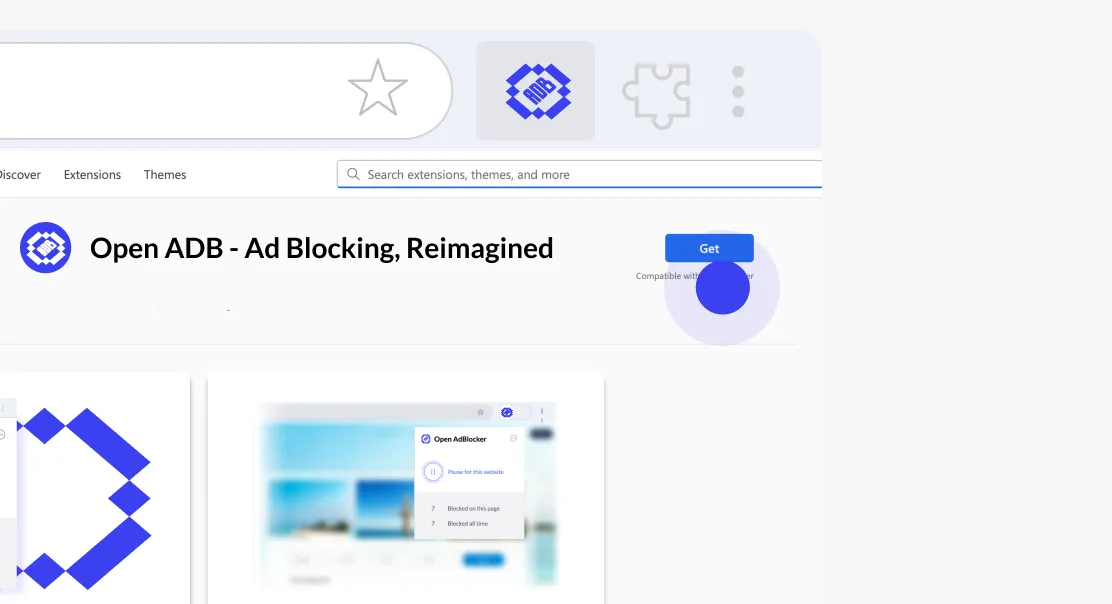
Step 1 Add Open Adblocker
Click “Get Open ADB” (top right) to open the Chrome Web Store, then click “Add to Chrome” to install.
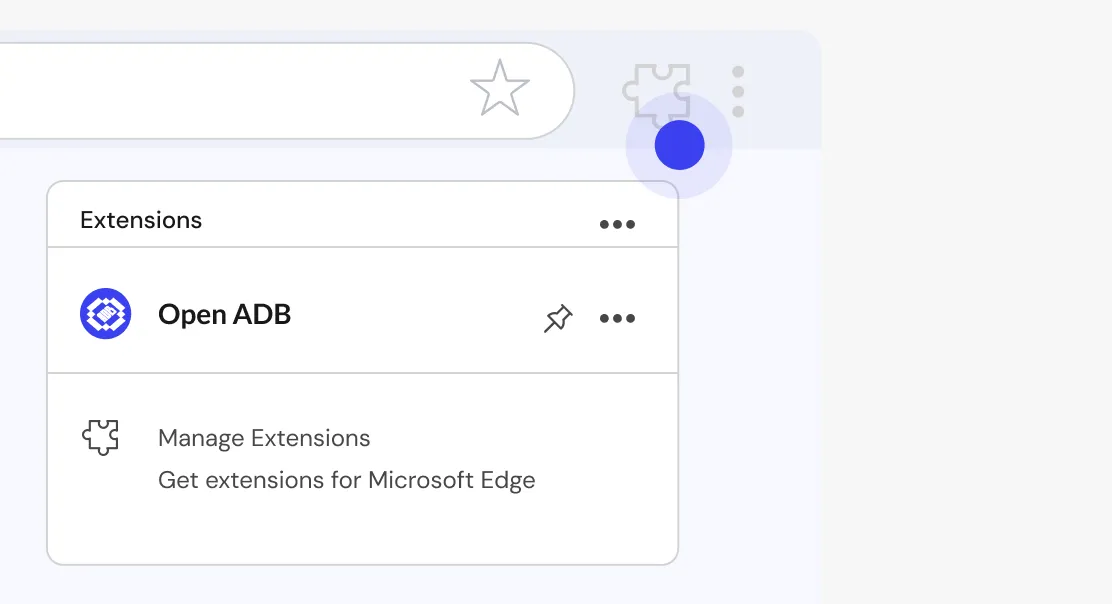
Step 2 Pin to taskbar and open.
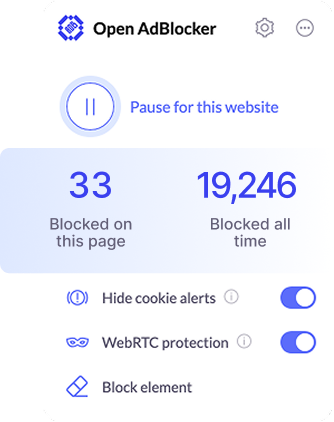
Click the puzzle icon, Pin Open Adblocker to your taskbar, and open the extension, then press Play. You are now all set for an an ad free browsing experience.